Parameters and Arguments in Java
A method can receive values from the code that calls it. The variables that receive those values are called parameters; the actual values passed to the method are called arguments.
Parameters and Arguments
The following diagram shows how an argument from a method call is passed to its matching parameter.
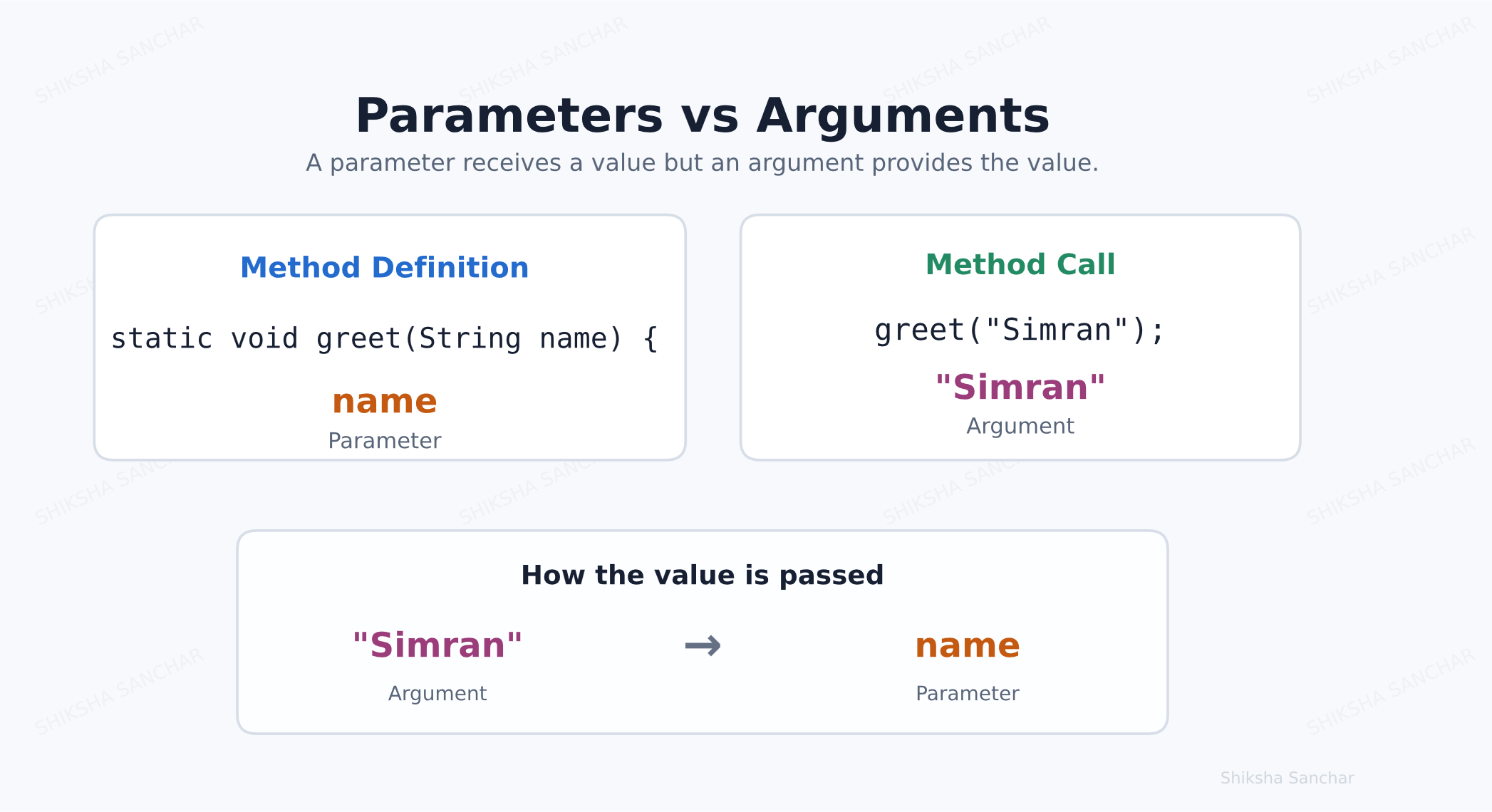
Explanation:
- Parameter: a variable written inside the method definition, such as
String name. - Argument: the actual value written when calling the method, such as
"Simran". - The argument value is assigned to its matching parameter when the method runs.
Example 1: One Parameter
class ShikshaSanchar {
    // Method definition: name is a parameter
    static void greet(String name) {
        System.out.println("Hello " + name);
    }

    public static void main(String[] args) {
        // Method call: "Simran" is an argument
        greet("Simran");
    }
}
Output:
Hello Simran
Explanation:
String name is the parameter. When greet("Simran") is called, "Simran" becomes the value of name.
Example 2: Using Different Arguments
class ShikshaSanchar {
    // Method definition stays the same
    static void greet(String name) {
        System.out.println("Hello " + name);
    }

    public static void main(String[] args) {
        // Each call passes a different argument
        greet("Simran");
        greet("Angel");
        greet("Pihu");
    }
}
Output:
Hello Simran
Hello Angel
Hello Pihu
Explanation:
The same greet() method is reused three times. Only the argument changes, so the output changes each time.
Example 3: Multiple Parameters
class ShikshaSanchar {
    // Method definition: a and b are parameters
    static void add(int a, int b) {
        System.out.println(a + b);
    }

    public static void main(String[] args) {
        // Method call: 10 and 20 are arguments
        add(10, 20);
    }
}
Output:
30
Explanation:
A method may have more than one parameter. Here 10 goes to a and 20 goes to b, so Java prints 30.
Example 4: Argument Order Matters
class ShikshaSanchar {
    static void display(String name, int age) {
        System.out.println(name + " is " + age + " years old.");
    }

    public static void main(String[] args) {
        // "Simran" matches name and 24 matches age
        display("Simran", 24);
    }
}
Output:
Simran is 24 years old.
Explanation:
Arguments match parameters by their position and type. The first argument must be a String, and the second must be an int.
Key Points:
- Parameters are declared in a method definition.
- Arguments are actual values supplied during a method call.
- The number, types, and order of arguments must match the parameters.
- Parameters make methods flexible and reusable.